We made a video so real, people didn't believe it was AI.
The full breakdown is free. Plus the advanced techniques and mentorship for anyone ready to build a real skill out of this.
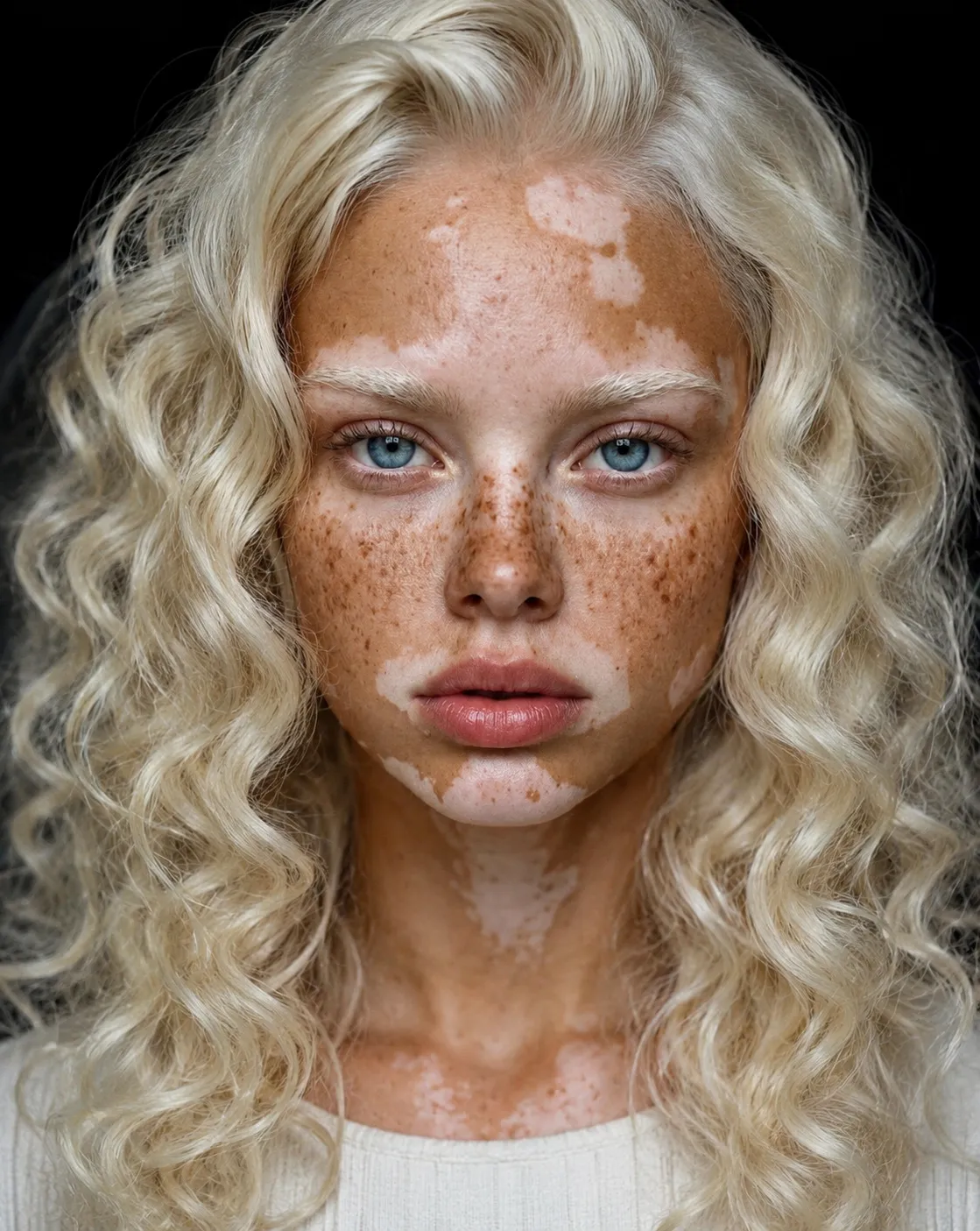 AI Character
From text to reality
No gatekeeping. Here are some raw outputs and the exact prompts used to generate them.
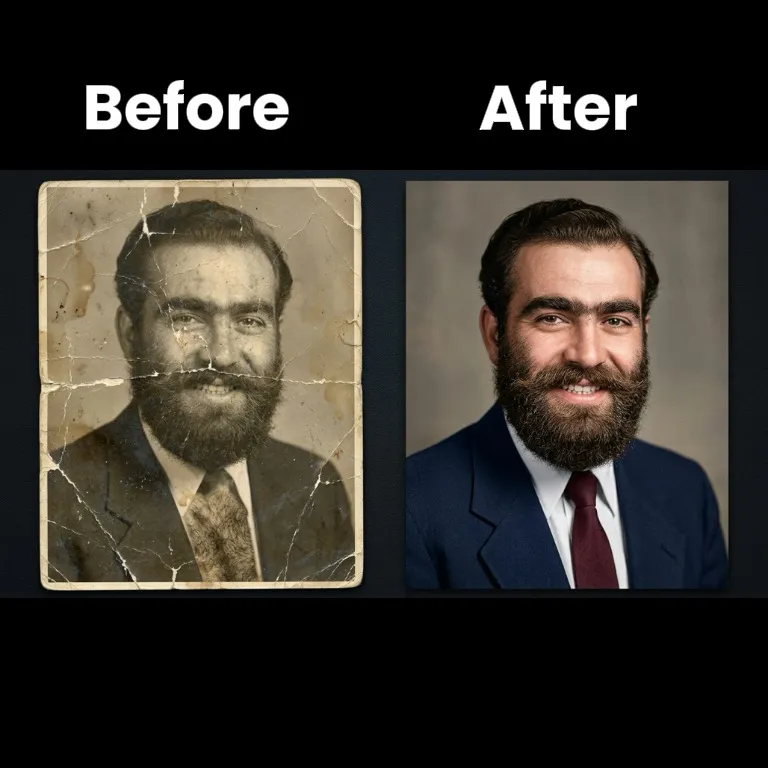 Result
photo restoration
(Restore this photo with period-accurate techniques, addressing any age-related issues it may have, such as blurring, damage, fading, scratches, tears, folds, worn-out areas, or being in black and white. First, analyze the image to identify the approximate era and original photographic process to ensure a historically accurate restoration. Make it look fresh and clear by gently sharpening soft edges and facial features without overdoing it, smoothing out grainy spots or noise if present, and reconstructing missing parts with realistic textures that match the original. If colors are faded or absent, bring them back naturally and vibrantly but true to the era's photographic technology without looking artificial; balance colors to match natural lighting, adjust brightness and contrast so everything pops nicely, and maintain original tonality. Add subtle details to faces, objects, or backgrounds that might have been lost, like fine lines in clothing, lifelike skin textures, or small elements in the scenery, while keeping the overall feel authentic, preserving natural grain patterns, and not changing the composition. Ensure the whole image is balanced, with no harsh shadows or washed-out areas, remove technical defects while respecting the nostalgic charm and exposure qualities of the time. Finally, upscale it to a higher resolution like Full HD 32k for better clarity, outputting in a photo-realistic style that looks like a professionally restored or recent high-quality photo.)
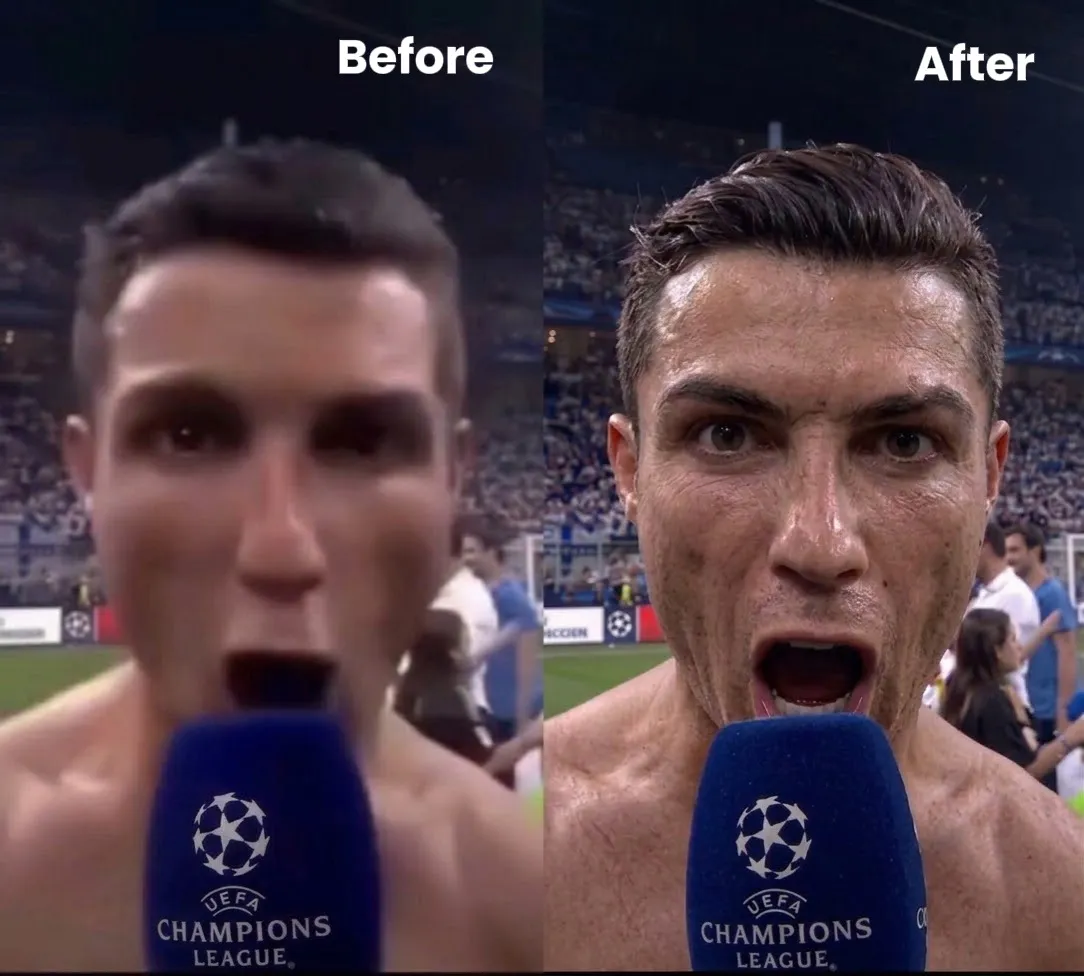 Result
4k upscaling
(Ultra-high-resolution 4K upscaling based on a given reference image. Absolute fidelity to the original facial anatomy, proportions, and identity. Maintain expression, gaze, pose, camera angle, framing, and perspective without distortion. Clothing, hair, skin, and background elements must remain unchanged in structure, placement, and design. Restore fine details with natural realism. Enhance pores, fine lines, hair strands, eyelashes, fabric weaves, seams, and material edges without adding stylization. Maintain the original color science, white balance, and tonal relationships exactly as captured. Lighting direction, intensity, contrast, and shadow behavior must match the source image exactly, only with increased clarity and expanded dynamic range. No relighting, no reshaping. Remove noise. Apply controlled sharpening and reconstruct high-frequency details. Eliminate compression artifacts and noise while maintaining authentic textures. No smoothing, no plastic skin, no artificial shine. Facial features must remain consistent throughout the image with coherent anatomy and clean, stable edges. Negative constraints: no distortion, no facial shifts, no addition or subtraction of anatomy, no changes to hands, no shape changes, no perspective shifts, no text or graphics, no hallucinated details, no stylized rendering. The final result should look like a photorealistic scale-up that matches the reference exactly, only clearer, sharper, and higher resolution.)
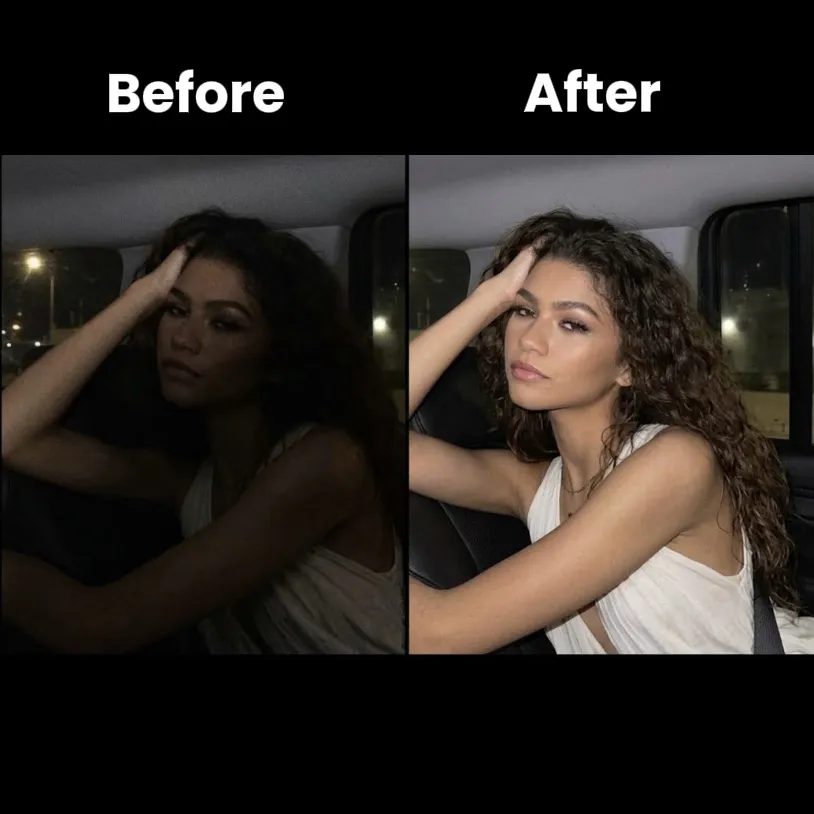 Result
correct poor lighting
(Precise correction of deficient lighting. Preserve the face and the essence of the scene. Correct harsh shadows on eyes/nose/chin caused by mobile phone flash. Neutralize color casts (orange/green/blue) for accurate skin tones. Brighten underexposed areas. Final image: photo with flash light taken at night, realistic and intact skin texture, invisible editing.)
Why this exists
This came out of the same obsession as everything else I build: finding out what these tools can actually do, then pushing past what most tutorials show.
The viral clip wasn't luck. It was a repeatable process. Prompt It teaches that process to people who want to build something real with it.
Before you ask in the comments
Yes, in full. The Advance tools and mentorship are separate, for going further.
No, taught from zero, exactly what to type and click.
Apply, limited spots per cohort, we work directly on your output.